One website per ad group in Google Ads
If you run Google Ads campaigns and try to scale sales or leads, you hit a wall very quickly: one website can be assigned…
Why Google Ads in e-commerce can't be "set and forget"
Plenty of online store owners launch Google Ads, see the clicks coming in… and that's where the optimization ends. The catch is that clicks don't sell. What sells is well-measured conversions and data the algorithm can work with. If you run an e-commerce store and want to grow sales for real, Google Ads has to know: what counts as a purchase, how much it's worth, and which campaigns actually bring in revenue, not just traffic.
Zarezerwuj termin na bezpłatne naprawcze konsultacje.
Book a free call
Where does the problem usually sit?
Badly set up conversions, missing or wrong purchase data, or "holes" in measurement mean the campaigns learn from the wrong signals.
The result?
The budget keeps spinning, and ROAS (the revenue each zloty of ad spend brings back) refuses to grow.
So what follows from this?
Well-run Google Ads for an online store means:
If you want your store ready for the spring and holiday sales peaks, now is the last moment to sort this out.
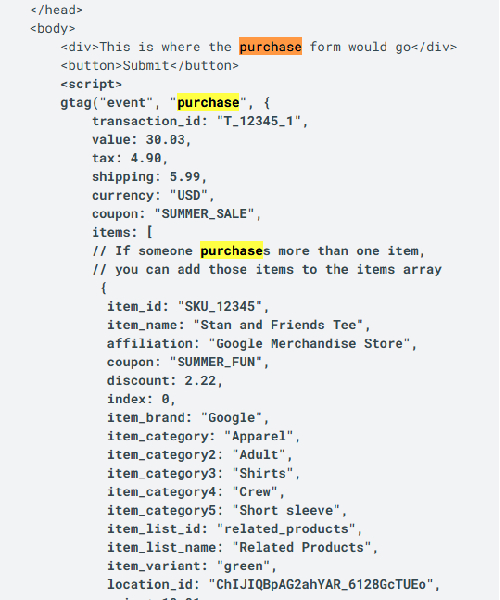
I showed what a purchase that Google Ads can't see looks like, using the example of a missing purchase event in WooCommerce and GTM. When measurement works and sales still don't come, check why an online store isn't selling despite Google Ads. If you want to sort this out in your own store, here's how Google Ads management works.
One hour on a call is usually enough to see why the sales are not coming in.